Choose "Download for Windows" to download the .exe installer from our GitHub releases.
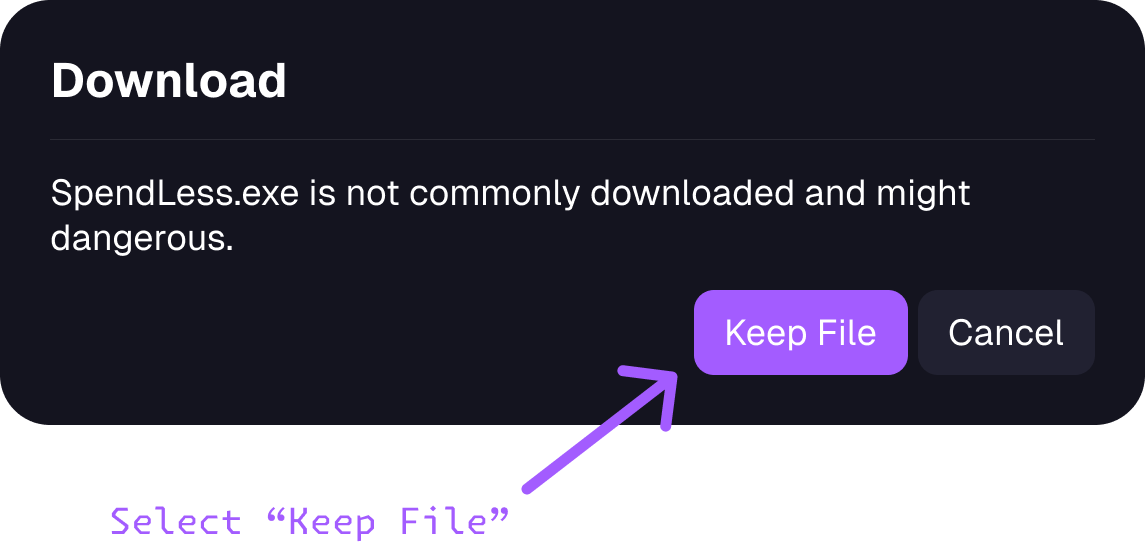
Your browser may warn that the file is not commonly downloaded.
If you downloaded it from this website or the official SpendLessDaw/spendless-releases repository and trust the file, use your browser's option to keep the download.
The wording varies between browsers; the screenshot is an example.
Open the downloaded .exe file and follow the installer's prompts.
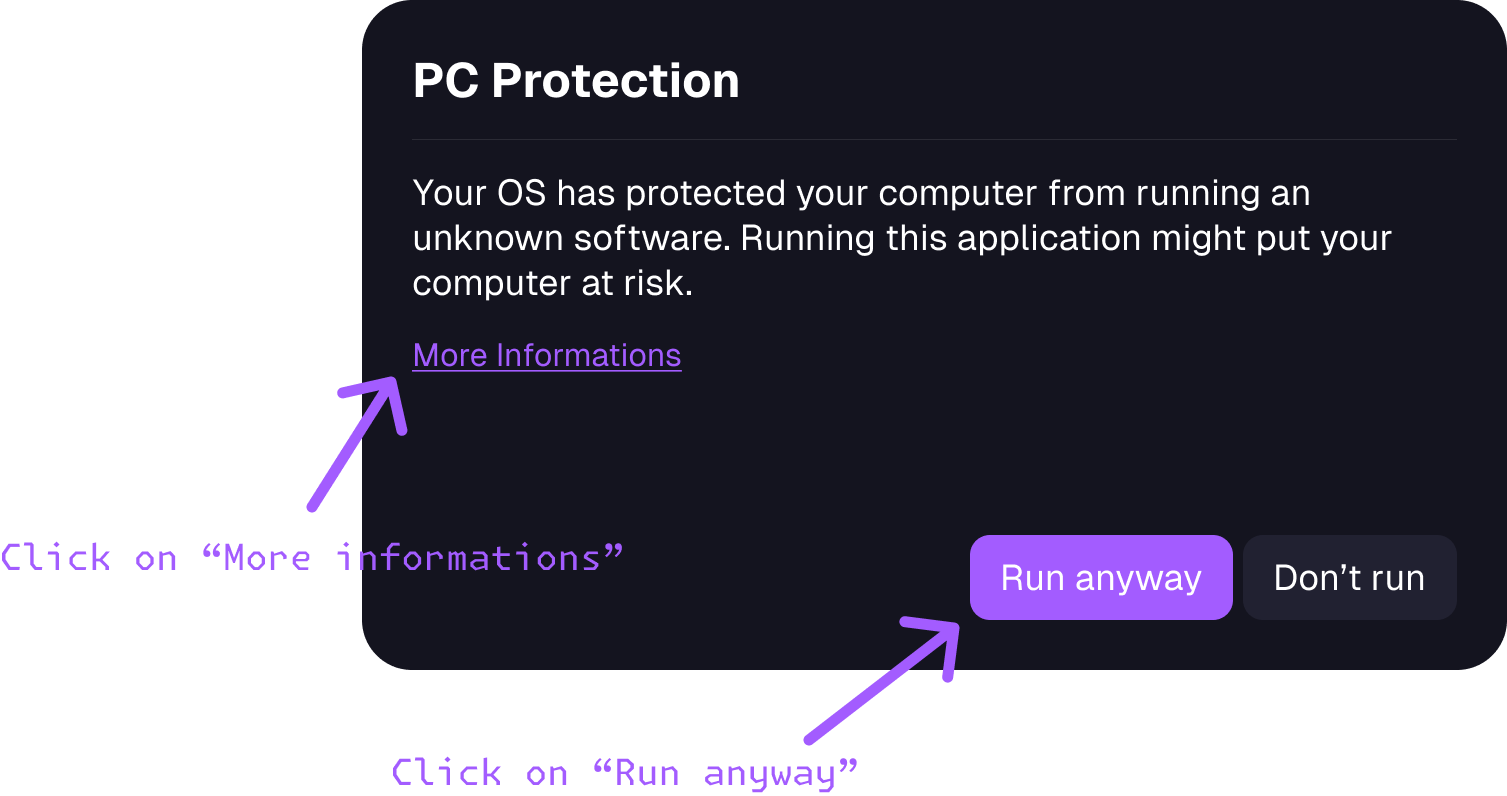
If Microsoft Defender SmartScreen displays an unrecognized-app warning, check that the installer came from our official download.
If you trust it, select "More info" and then "Run anyway", when those options are available.
Microsoft explains these reputation warnings in its SmartScreen guide.
For details about these messages, see Apple's guide to opening downloaded apps. If macOS reports that the app is damaged or contains malware, stop and contact us on Discord.
SpendLess notifies you when a newer version is available. Choose "Download update", quit SpendLess, then open the new .dmg file and drag SpendLess into Applications to replace the previous version. Updates on macOS are installed manually, so the app won't install them for you.
Follow the setup steps to locate FL Studio and choose where to store your projects. Then import an existing project or create a new one. You're ready to make some music. 🗿
